
Finanalyz

Hyderabad info@finanalyz.com

PAN To Father's Name API Retrieve Father's Name from PAN Details Through an API

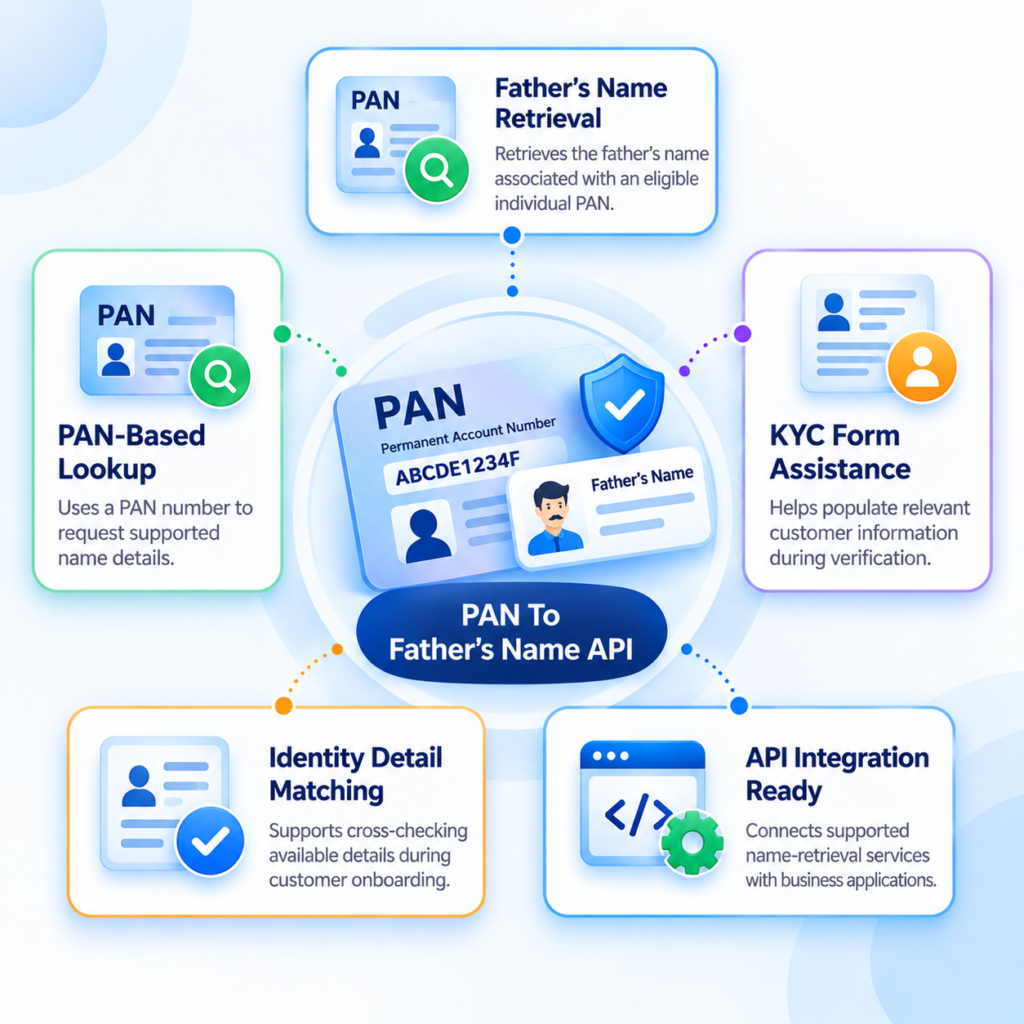
The PAN To Father’s Name API enables businesses to retrieve the father’s name associated with a PAN, along with other supported PAN holder details. It supports identity verification, record matching, KYC, customer onboarding, lending, and background verification workflows for financial institutions, fintech companies, insurance providers, and recruitment platforms, subject to proper authorization and the service’s capabilities.

End-to-End Flow

1

Collect PAN Details

2

Submit the PAN

3

Validate the Request

4

Process the Lookup

5

Retrieve Father's Name

6

Structure the Response

7

Match Business Records

8

Continue the Verification Workflow

Key Capabilities

Father’s Name Retrieval

Retrieve the father’s name associated with an individual PAN record when the information is available through the supported service.

PAN Holder Name Retrieval

Access the PAN holder’s full name alongside the father’s name where supported by the API response.

Name Component Extraction

Receive name components in a structured format where provided, helping downstream applications map identity information into separate fields.

Individual PAN Identification

Support identification of whether the PAN record relates to an individual, where the API returns this information.

Identity Record Matching

Compare retrieved information with submitted application data to identify discrepancies requiring further review.

Automated KYC Workflows

Integrate father’s-name lookup into customer onboarding, identity verification, and due diligence workflows where the information is relevant and permitted.

Structured JSON Response

Process returned identity information through application code without manually extracting fields from a document.

Backend System Integration

Connect the API with CRM platforms, loan origination systems, insurance applications, and other authorized business systems.

Use Cases

Banking and Financial Services

Support identity record matching during eligible account-opening and customer due diligence workflows.

data_aggregation

NBFCs and Digital Lending

Use father's-name information as an additional data point when reviewing loan applications and matching applicant records.

categorization

Recruitment and Background Verification

Help authorized recruitment teams reconcile identity information with candidate records where required for a legitimate verification purpose.

Developer Experience

Secure REST APIs with structured JSON responses for PAN-based father's name retrieval and seamless identity verification integration.

Simple REST API Integration

Integrate the PAN lookup into existing applications through the documented API endpoint using an authenticated request.

Secure API Authentication

Use the production API credentials and required authorization headers. Restrict credentials to authorized services and avoid exposing them in client-side code.

Structured JSON Responses

Process the returned PAN holder name, father’s name, and other available fields through standard JSON parsing.

Automated Identity Matching

Connect the result to existing KYC, onboarding, and application validation workflows to reduce repetitive manual data entry.

Error and Status Handling

Handle invalid inputs, unavailable records, and unsuccessful requests according to the production API’s documented response codes.

Privacy-Conscious Processing

Collect and process PAN information only for an appropriate, authorized purpose. Apply access restrictions, secure storage, and relevant retention policies.

Suggested Input

Illustrative structure based on the documented request format; confirm the production FinAnalyz schema before implementation.

{

  “id_number”: “ABCDE1234F”

}

Suggested Output

Illustrative structure based on the documented API response; actual fields and values may vary.

{

  “data”: {

    “client_id”: “pan_lookup_reference”,

    “pan_number”: “ABCDE1234F”,

    “father_name”: “MASKED FATHER NAME”,

    “full_name”: “MASKED CUSTOMER NAME”,

    “full_name_split”: [

      “FIRST”,

      “MIDDLE”,

      “LAST”

    ],

    “individual_pan”: true

  },

  “status_code”: 200,

  “success”: true,

  “message”: null,

  “message_code”: “success”

}

Implementation note: The field names are based on a publicly documented example of this API type, not a confirmed FinAnalyz production schema. Use fictional or masked data in documentation, and verify the actual endpoint, authentication requirements, response fields, and error codes before publishing the integration guide.

Frequently Asked Questions

What is the PAN To Father's Name API?

The PAN To Father's Name API retrieves the father's name associated with an individual PAN record, along with other supported identity information.

The application submits a PAN identifier through an authenticated API request. The service processes the lookup and returns the available information in a structured response.

Depending on the supported response schema, the API can return the PAN number, father's name, PAN holder's full name, name components, and an indicator of whether the PAN belongs to an individual.

The documented request format uses an id_number field containing the PAN identifier. Confirm the accepted format and validation rules in the FinAnalyz production documentation.

No. A PAN Verification API typically checks details such as PAN validity, active status, or name matching. The PAN To Father's Name API specifically focuses on retrieving the father's name associated with the PAN record.

Potential users include banks, NBFCs, fintech companies, insurance providers, and other organizations with legitimate identity verification requirements, subject to applicable authorization and data-access conditions.

Yes. It can be integrated into a compatible KYC or customer onboarding workflow to retrieve and compare identity information, provided the business has access to the API and uses it for a permitted purpose.

Still have any question? Please contact our sales team