
Finanalyz

Hyderabad info@finanalyz.com

PAN Masking API Protect Sensitive PAN Details with the PAN Masking API

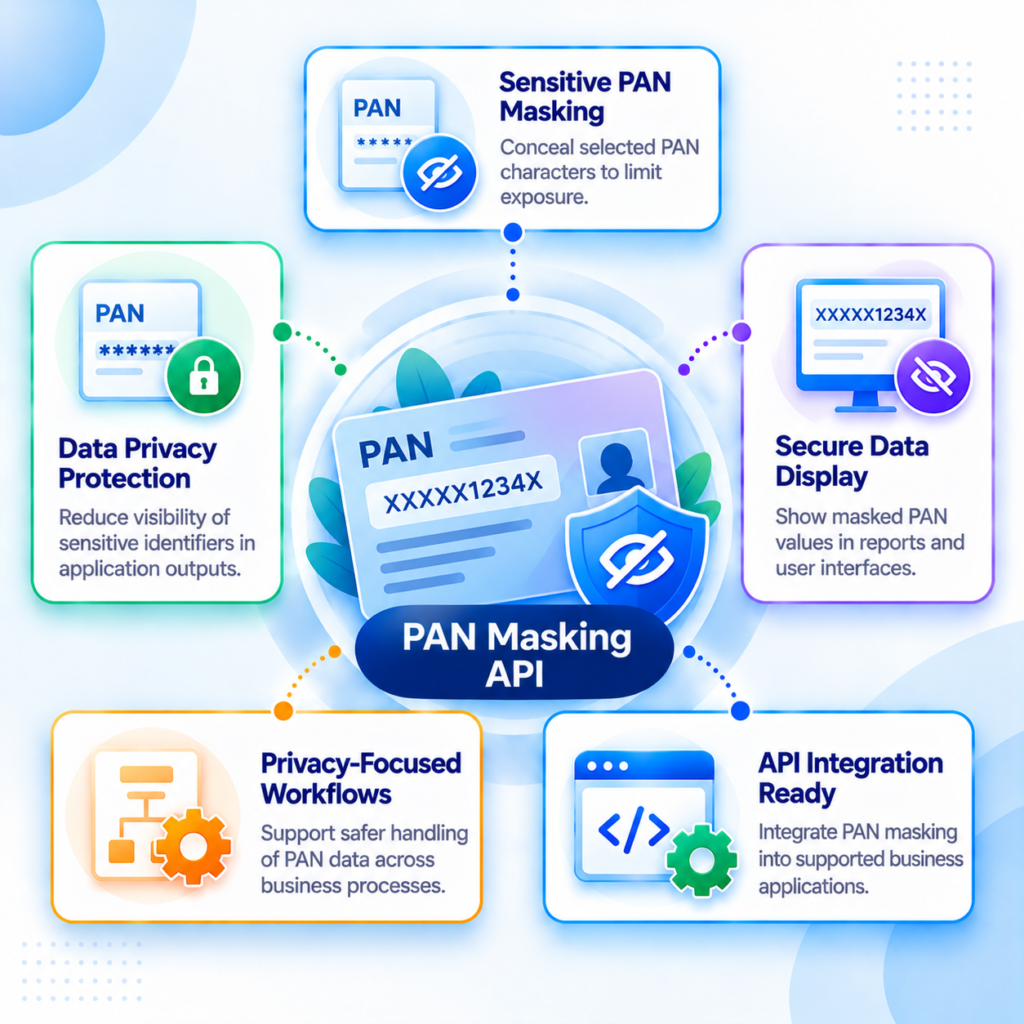
The PAN Masking API helps businesses mask sensitive Permanent Account Number (PAN) details on PAN card documents before they are shared, stored, or processed in downstream systems. Integrate document masking into digital workflows to support data privacy and reduce unnecessary exposure of personal information.

End-to-End Flow

1

Submit the PAN Card Document

2

Validate the Request

3

Detect PAN Details

4

Apply Masking

5

Generate the Masked Document

6

Return the Result

7

Retrieve and Review

8

Use the Masked Copy

Key Capabilities

Automatic PAN Detection
The API identifies PAN numbers in supported PAN card documents to help automate the masking process.

PAN Number Masking
Conceals sensitive PAN information in the resulting document to reduce unnecessary exposure of personal data.

Document Processing Through APIs
Integrates masking into existing systems, reducing the need to manually mask every document.

Support for Digital Workflows
Enables businesses to incorporate PAN masking into customer onboarding, document collection, and back-office processing.

Masked Document Output
Provides a processed document or result reference according to the API’s supported response format.

Reduced Manual Effort
Automates repetitive document-masking tasks and streamlines document handling.

Privacy-Aware Document Handling
Helps limit the distribution of unmasked PAN details when a masked copy is sufficient for the intended purpose.

Integration with Existing Applications
Connects with web applications, customer portals, and document-management systems using the supported API integration method.

Use Cases

Banking and Financial Services

Mask PAN details in document copies used for internal review, record handling, and approved sharing workflows.

data_aggregation

Fintech and Digital Lending

Incorporate PAN masking into document-processing pipelines to limit exposure of sensitive identifiers when full PAN details are unnecessary.

categorization

Customer Onboarding and KYC Operations

Prepare masked document copies for internal workflows where the complete PAN number does not need to be displayed.

Developer Experience

Secure REST APIs with automated PAN data masking and structured JSON responses for seamless document processing and privacy protection.

Simple API Integration

Integrate the PAN Masking API into an application using the authentication method, endpoint, and request format provided in the FinAnalyz API documentation.

Document Input

Submit the PAN card document using the input format supported by the API. Depending on the implementation, this may involve a file upload, encoded document, or document URL.

Automated Processing

Send the request to the API and allow the document-processing workflow to detect and mask the PAN number.

Structured Result Handling

Process the API response to retrieve the masked document or its reference, based on the documented response schema.

Error Handling

Handle invalid input, unsupported document formats, authentication failures, and processing errors according to the API’s documented error responses.

Secure Integration Practices

Protect API credentials, use HTTPS where supported, restrict access to document results, and avoid logging unmasked PAN details unnecessarily.

Suggested Input JSON (Illustrative Only)

{
  "document_type": "pan",
  "document": "<BASE64_ENCODED_DOCUMENT>"
}

Suggested Output JSON (Illustrative Only)

{
  "success": true,
  "message": "PAN masking completed",
  "masked_document_url": "<MASKED_DOCUMENT_REFERENCE>"
}

Important Integration Note: Confirm the production endpoint, accepted document formats, authentication headers, request fields, output format, and result-link expiry policy in the FinAnalyz API documentation before implementation.

Frequently Asked Questions

What is a PAN Masking API?

A PAN Masking API helps conceal the Permanent Account Number on supported PAN card documents. It enables businesses to integrate document masking into digital workflows and reduce unnecessary exposure of sensitive identifiers.

The application submits a supported PAN card document. The API processes the document, identifies the PAN number, masks it, and returns the processed result according to its response format.

PAN masking helps reduce unnecessary exposure of personal financial identifiers when a complete PAN number is not needed for document review, sharing, or storage.

Not necessarily. PAN masking conceals information on a document; PAN verification checks details such as PAN status or matching information against an authorized data source. These are separate functions.

Yes, an API-based masking service can be integrated into an existing application when the application supports the required authentication, request format, and response handling.

Supported formats depend on the specific FinAnalyz implementation. Check the API documentation for accepted file types, size limits, and document input methods.

Still have any question? Please contact our sales team