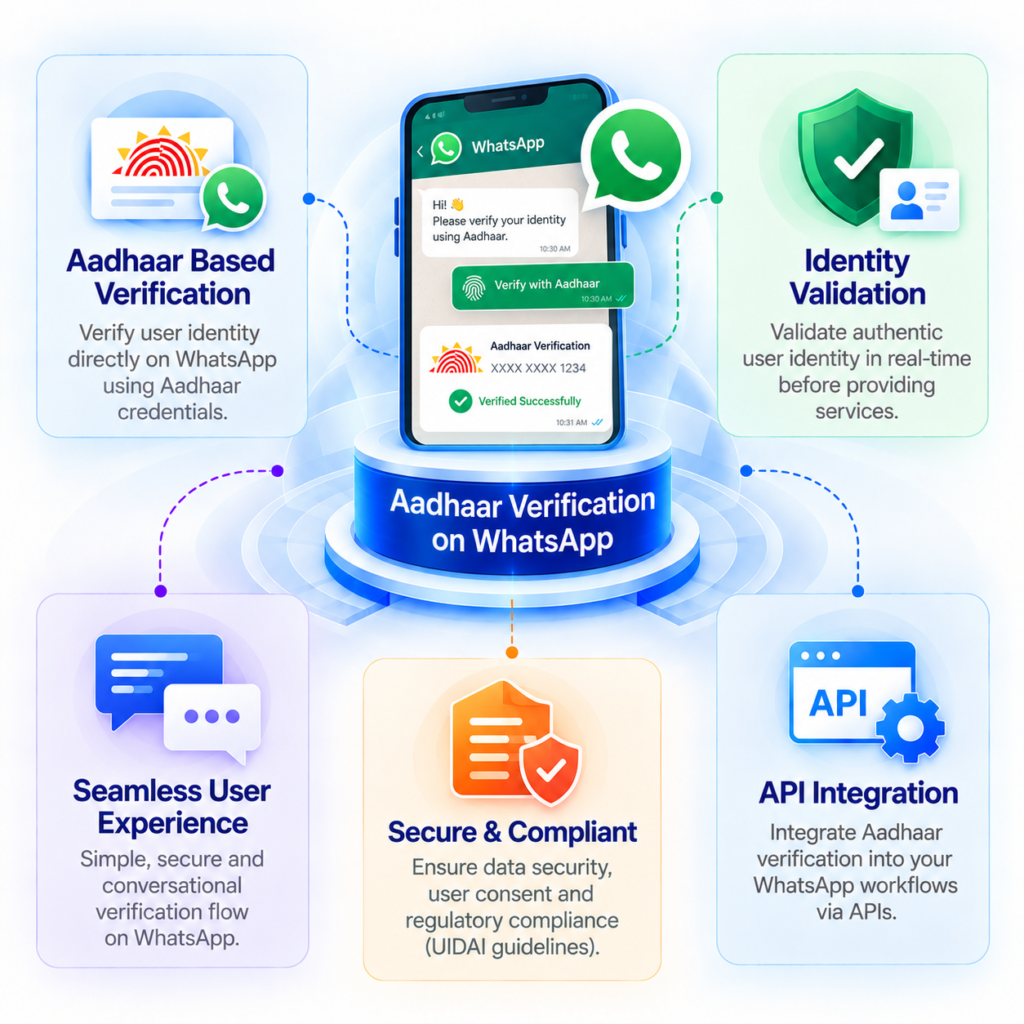
Aadhaar Verification on WhatsApp
Verify customer identity through a convenient WhatsApp-based workflow. Simplify identity verification, guide customers through required steps, and connect verification results with your business onboarding processes.
End-to-End Flow
Start WhatsApp Conversation
Explain the Verification Process
Capture Customer Consent
Initiate Aadhaar Verification
Complete Required Authentication
Process the Verification Result
Send a Status Update
Continue Customer Onboarding
Key Capabilities
WhatsApp-Based Customer Journey — Guide users through an accessible conversational interface.
Aadhaar Identity Verification — Connect to a supported verification service, subject to authorization and eligibility.
Consent Management — Record the required consent and associated verification context.
Authentication Workflow — Support the authentication steps enabled by the underlying service.
Verification Status Handling — Process success, failure and pending outcomes where supported.
Workflow Integration — Connect results with customer onboarding, KYC and other eligible business processes.
Secure Data Handling — Apply appropriate access controls, data minimization and protection measures.
API Connectivity — Integrate supported services with existing business applications.
Use Cases

Digital Customer Onboarding
Guide customers through identity verification as part of eligible digital onboarding journeys.

Lending and NBFC Workflows
Connect supported identity checks with customer application and lending workflows.

Banking and Financial Services
Incorporate eligible identity verification steps into supported customer service journeys.
Developer Experience
Suggested Input
The following is an illustrative workflow request, not a confirmed FinAnalyz production schema. A production integration should use the actual WhatsApp and verification provider contracts.
{
"channel": "WHATSAPP",
"customer_reference": "CUST100001",
"verification_type": "AADHAAR",
"consent": true
}
Suggested Output
{
"client_id": "FINXXXXXX",
"customer_reference": "CUST100001",
"channel": "WHATSAPP",
"verification_status": "PENDING",
"request_id": "AVW100001",
"message": "Verification request initiated"
}
The actual response fields, verification status values and authentication flow depend on the connected provider. Avoid transmitting full Aadhaar numbers, OTPs or other sensitive identity information through ordinary chat messages unless the implementation explicitly supports a compliant and secure process.
Frequently Asked Questions
What is Aadhaar Verification on WhatsApp?
It is a conversational workflow that allows customers to interact through WhatsApp while an integrated, supported service handles the applicable Aadhaar verification process.
Can Aadhaar be verified directly by WhatsApp?
WhatsApp is the communication channel, not the Aadhaar authentication authority. Actual verification depends on an eligible, authorized service and its supported methods.
Is customer consent required?
Aadhaar authentication and offline verification are subject to applicable consent requirements. The workflow should explain the purpose of verification and obtain the required consent before proceeding.
What information can the verification process return?
The information returned depends on the selected verification method and provider. It may be limited to an authentication result or include permitted identity details when the service supports them.
Can this be integrated with lending and onboarding systems?
Where supported, APIs and webhooks can connect verification outcomes to customer onboarding, lending and other business workflows. The available integration methods depend on the implementation.
Is this suitable for every business?
Businesses must assess their eligibility, legal basis, authorization requirements, data-handling obligations and the capabilities of the chosen verification provider before deploying the workflow.