
Finanalyz

Hyderabad info@finanalyz.com

E Shram Card Verification API Simplify Worker Identity Verification with the E Shram Card Verification API

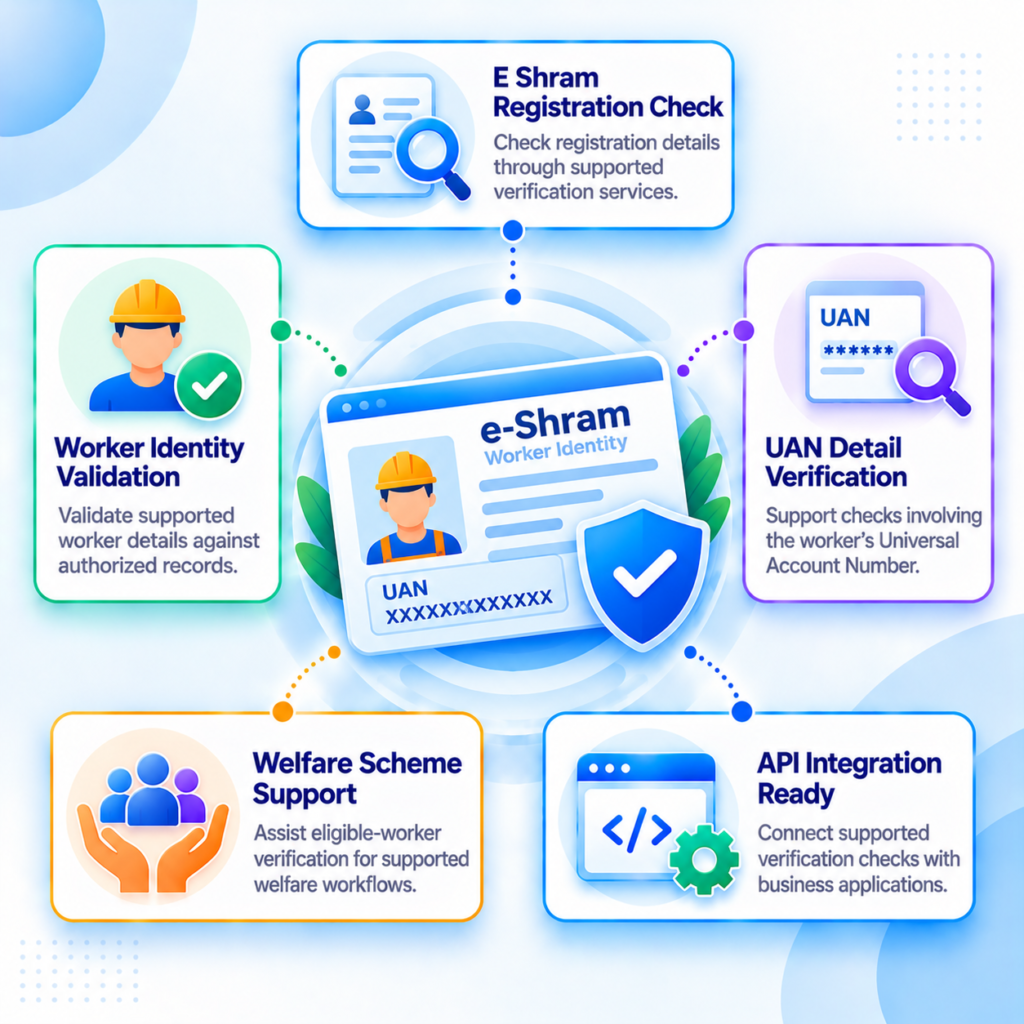
The FinAnalyz E Shram Card Verification API is designed to support digital workflows for verifying e-Shram card details and registered unorganized worker information. The e-Shram initiative, launched by India’s Ministry of Labour and Employment, maintains a national database of unorganized workers and provides registered workers with a Universal Account Number (UAN). An API-based integration can help eligible businesses streamline worker verification and related onboarding processes, depending on the supported verification service.

End-to-End Flow

1

Submit Worker Details

2

Validate the Request

3

Process the Verification Request

4

Match Available Records

5

Determine the Verification Result

6

Return the API Response

7

Review the Result

8

Complete the Business Workflow

Key Capabilities

E Shram Card Verification
Supports workflows for checking submitted e-Shram card details through the connected verification service.

UAN-Based Verification
Enables verification requests using the Universal Account Number where supported by the API.

Worker Information Validation
Supports checks of available worker registration details, depending on the authorized data source and response fields.

Automated Verification Processing
Helps reduce repetitive manual checks during worker registration, recruitment, and onboarding workflows.

Structured Verification Results
Returns supported verification outcomes and available information in the documented API response format.

Workforce Management Integration
Connects supported verification workflows with HR platforms, staffing applications, and workforce management systems.

Beneficiary Verification Support
Helps authorized organizations incorporate worker verification into eligible welfare and beneficiary-related processes.

Secure Data Handling
Supports privacy-conscious integration through appropriate authentication, access controls, and responsible handling of worker information.

Use Cases

Recruitment and HR Management

Help HR teams incorporate e-Shram verification into worker onboarding and identity review processes where relevant to the role.

data_aggregation

Staffing and Labor Agencies

Support worker registration checks and workforce record management within staffing and labour supply operations.

categorization

Gig and Platform Worker Onboarding

Integrate supported worker verification processes into onboarding workflows for gig workers and platform-based service providers.

Developer Experience

Secure REST APIs with e-Shram card verification and structured JSON responses for seamless worker identity validation and record management.

API-Based Integration

Integrate the E Shram Card Verification API with an existing application using the endpoint, authentication method, and request format specified in the FinAnalyz documentation.

Flexible Identifier Input

Submit an e-Shram card number or UAN if the selected endpoint accepts that identifier.

Automated Request Processing

Send verification requests from HR systems, recruitment platforms, or other authorized applications without requiring a separate manual lookup for every request.

Structured Response Handling

Process the returned status and available worker information according to the documented response schema.

Error Handling

Handle invalid identifiers, authentication failures, unsuccessful verification attempts, and service errors according to the API’s documented responses.

Secure Integration Practices

Use HTTPS where supported, protect API credentials, limit access to worker data, and avoid storing unnecessary personal information.

Suggested Input JSON (Illustrative Only)

The following is a conceptual example. The actual request fields and accepted identifier must be confirmed in the FinAnalyz API documentation.

{
  "uan": "<12_DIGIT_UAN>"
}

Suggested Output JSON (Illustrative Only)

The example below illustrates a possible response structure and does not represent a confirmed production schema.

{
  "success": true,
  "message": "Verification request processed",
  "data": {
    "verification_status": "<STATUS>",
    "uan": "<12_DIGIT_UAN>",
    "worker_name": "<WORKER_NAME>"
  }
}

Important Integration Note: Confirm the production endpoint, accepted identifier, authentication requirements, available verification source, permitted response fields, and error codes before implementation. Access to official e-Shram records is subject to the relevant authorization and access arrangements; do not assume that every API can directly query the government database.

Frequently Asked Questions

What is an E Shram Card Verification API?

An E Shram Card Verification API is an API-based service intended to help organizations verify e-Shram card information and support digital worker verification workflows. Its exact capabilities depend on the connected verification service.

An e-Shram card is issued to registered unorganized workers under India's e-Shram initiative, managed by the Ministry of Labor and Employment. It contains a unique 12-digit Universal Account Number (UAN) associated with the worker's registration.

The required input depends on the API implementation. A service may accept an e-Shram card number or UAN, but the exact input fields must be confirmed in the API documentation.

Depending on the service's eligibility and access conditions, potential users include HR teams, staffing agencies, workforce platforms, financial institutions, and organizations with authorized worker verification requirements.

It may return available worker details if the connected service supports retrieval and the requesting organization is authorized to access them. The exact information depends on the endpoint and its response schema.

Yes, an API-based verification service can be integrated into an HR or recruitment system when the service provides a compatible endpoint and the application meets its authentication and access requirements.

Still have any question? Please contact our sales team